
Crawling and bulk collection
Move from one URL to a defined source set.
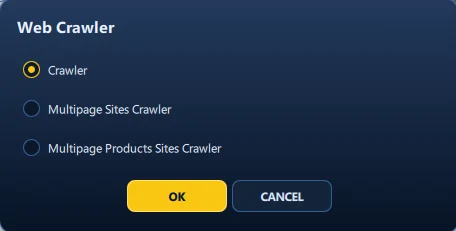
Eviquire supports supplied URL lists, multipage search results, linked product or record pages, and proxy-matrix acquisition in which every crawled URL is collected through all proxies configured in Eviquire for the acquisition.
Scale collection without losing the method.
When an investigation requires more than one page, the collection scope matters as much as the number of URLs. Define where the workflow starts, what it may follow, what it must exclude, how it should stop, and which proxies configured in Eviquire must be applied before initiating collection.
A search portal or marketplace can first be acquired page by page and then used as the documented source for individually acquiring the eligible product or record pages returned by that search. Each supplied or crawled URL can then be acquired once through all proxies in the Eviquire acquisition configuration, producing a reviewable URL-and-route matrix.
The same supported workflow can be applied to an authorized dark-web shop through an approved Tor-compatible proxy: preserve its category or search-result pages, extract eligible product links, and acquire the linked pages individually within a controlled, risk-assessed environment.
Three bulk acquisition modes
Match the method to the source.
Defined URL list
Acquire a supplied sequence of URLs consistently through all proxies in the Eviquire acquisition configuration and retain successful, redirected, unavailable, excluded, and failed results.
Multipage search results
Record the search term, filters, order, and page limit, then follow a supported Next control across the result pages.
Linked product or record pages
Extract eligible detail links and acquire each page separately—for example, for an authorized eBay investigation or a dark-web shop reached through an approved Tor-compatible route.
In the product
Configure, collect, and review.
Recommended process
Keep the collection repeatable.
Define the source set
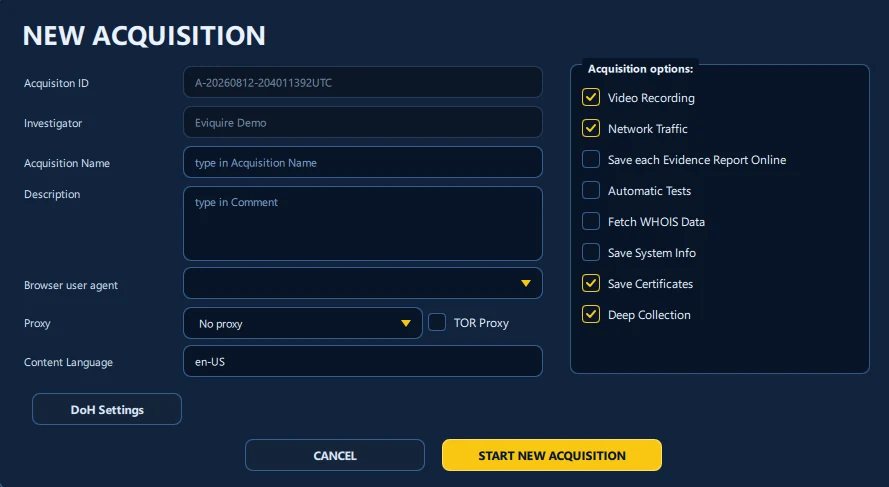
Start with a URL list or documented search workflow, then configure every Eviquire proxy through which each URL must be acquired and define the domain, page limit, navigation, inclusion, exclusion, and stopping boundaries.
Choose the acquisition mode
Use sequential bulk URLs, supported pagination, or product and detail-link extraction according to the way the source presents the in-scope material.
Collect within scope
Process every eligible page once through all proxies in the Eviquire acquisition configuration while retaining the URL-and-route relationship, result order, failures, and activity records.
Review the result
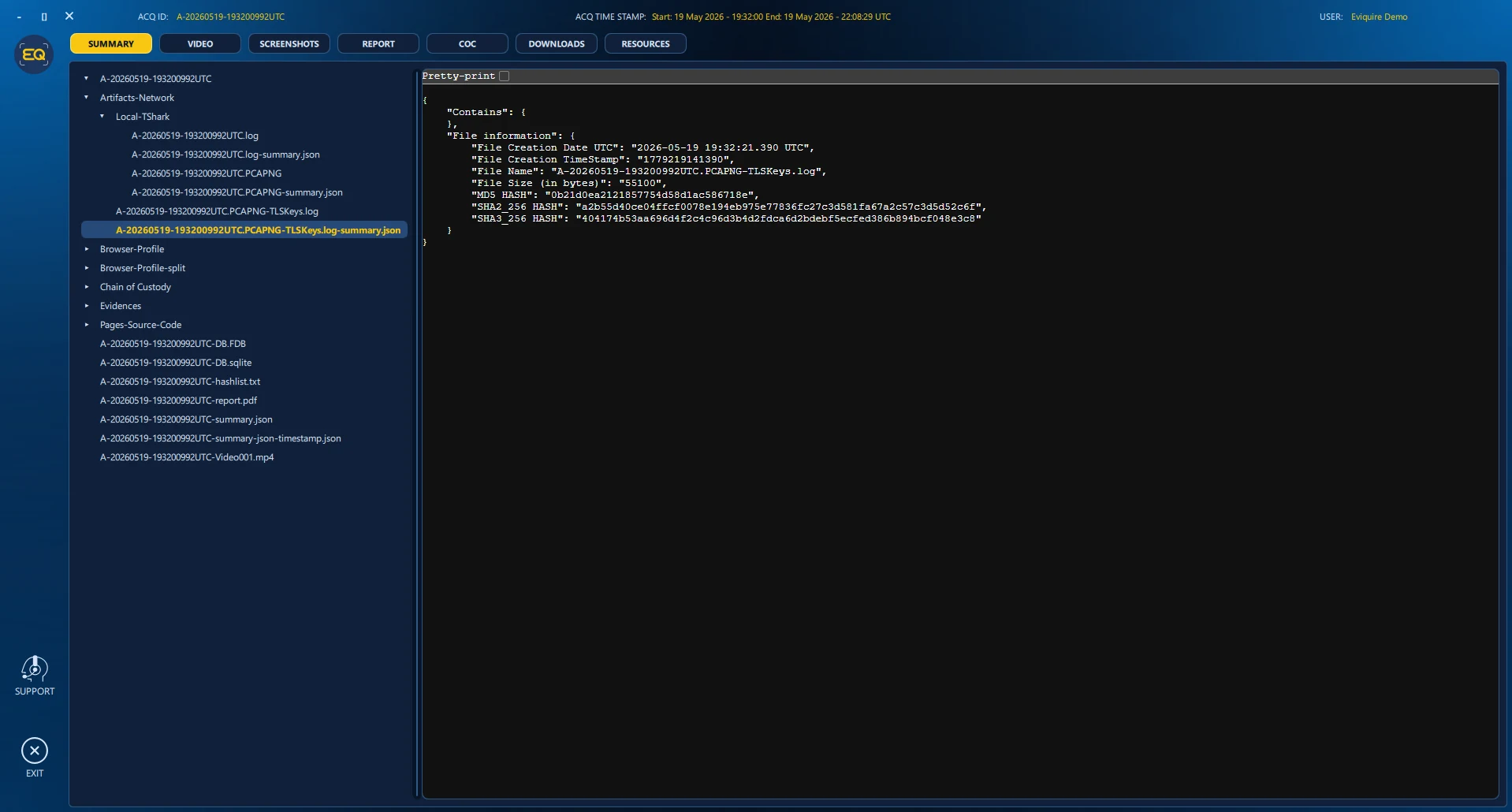
Inspect result pages, linked detail pages, files, artifacts, routing context, activity history, duplicates, exclusions, and unavailable locations before reporting the collection.
Scope and limits
Not every link should be collected.
Authorization, relevance, platform behavior, authentication, robots controls, dynamic content, errors, and configuration can affect results. Dark-web collection also requires approved operational-security, malware, prohibited-content, download, and interaction procedures. A documented report should identify the intended scope and any unavailable, excluded, unsafe, or failed pages.